Changelog

See what's new added, changed, fixed, improved or updated

November 10, 2026v0.9.0

New sounds, new CLI, showcase

Every sound was redesigned from scratch so each one is distinct and each theme has its own personality. The CLI was rebuilt around a simple idea: sounds are code you own.

npx @litlab/audx init
npx @litlab/audx add click success error
npx @litlab/audx theme mechanical

Upgrading from 0.8: run npx @litlab/audx init and re-add the sounds you use. Files now live in src/sounds/ and are imported as import { click } from "@/sounds". The old .themes/config.json and generated theme folders can be deleted.

Open the showcase

  • Four redesigned themes (minimal, playful, mechanical, retro), each with the same 43 semantic sounds
  • Showcase page: hear every sound inside real components and flip any card to see the code
  • `audx theme <name>` re-skins every installed sound in one command
  • Interactive sound picker grouped by category, plus `audx list` with search
  • `audx create` starts a custom theme from an existing one
  • Global mute with `setMuted()`, and `useSound(click)` accepts generated sounds directly
June 13, 2026v0.8.5

Sound editor and theme generator

Customize sounds on audx.site, then install your version with one command. This release covers 0.8.0 through 0.8.5.

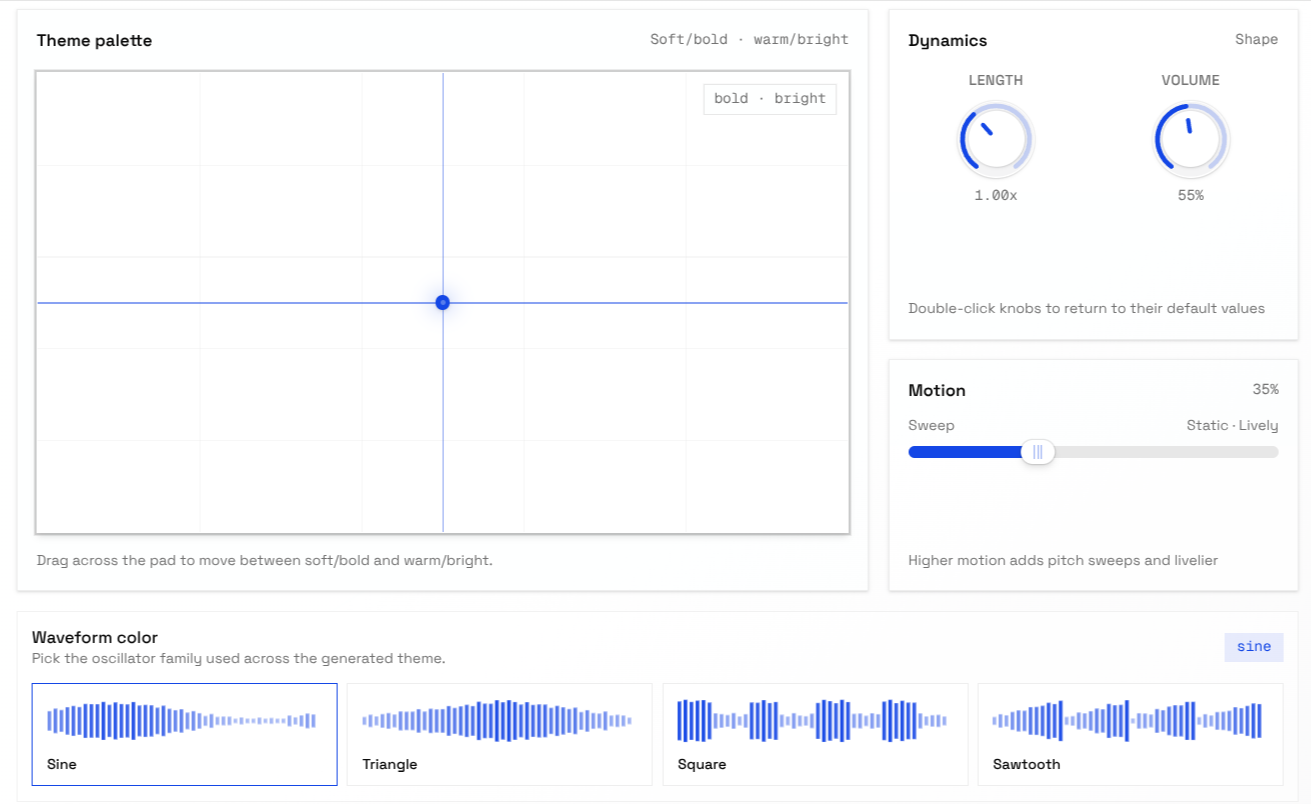
Theme generator with a tone pad, length and volume knobs, motion slider and waveform picker

The sound editor lets you reshape any sound with a mixer and an XY pad while you hear the result. The theme generator works one level up: pick where a theme sits between soft and bold, warm and bright, set its length, volume and motion, choose a waveform, and it builds every sound to match.

Generated themes are saved to your library. When you're happy with a sound, the site gives you an audx add command that writes your customized version into your project.

Open the editor

  • Sound editor on audx.site: tweak any sound with a mixer, XY pad and live waveform preview
  • Theme generator: shape a whole theme from tone (soft to bold, warm to bright), length, volume, motion and waveform
  • Save generated themes to your library and reopen them from your profile
  • Bento page that plays every sound inside live UI components
  • `audx add` installs a sound you customized on audx.site straight into your project

May 17, 2026v0.6.0

Themes and a mixing panel

Sound sets are now called themes everywhere, from the CLI to the site, and the editor gained a panel for auditioning sounds side by side.

  • Preview and balance sounds before installing them
  • One name for sound sets across the CLI, the site and theme files
npx @litlab/audx add     # pick themes from the registry
npx @litlab/audx list    # see installed themes
npx @litlab/audx update  # pull theme updates

  • Preview mixing panel in the editor to audition and balance sounds before you install them

May 16, 2026v0.5.0

A synthesis engine, not a sound pack

audx no longer ships audio files. Every sound is now a small object that the Web Audio API synthesizes when it plays, so sounds weigh a few hundred bytes and can be tweaked like any other code.

Now you can:

  • Define a sound in a few lines and play it with one call
  • Build richer sounds from layers, filters, LFOs and effects
  • Respect a user's sound setting in React with SoundProvider
  • Ask your coding agent to design new sounds for you
import { defineSound } from "@litlab/audx";

const pop = defineSound({
  source: { type: "sine", frequency: { start: 1200, end: 300 } },
  envelope: { attack: 0.001, decay: 0.06 },
  gain: 0.3,
});

pop();
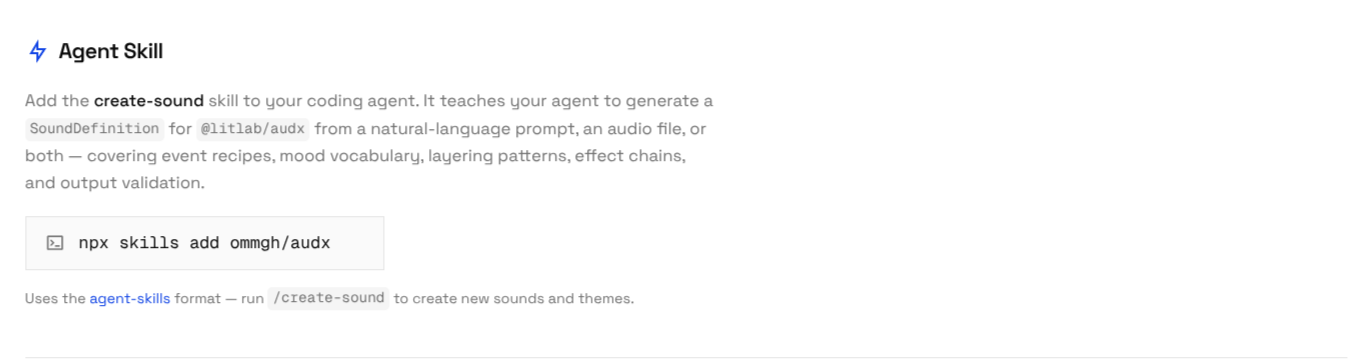
The create-sound agent skill, installed with npx skills add ommgh/audx

  • New synthesis engine: describe a sound as a plain object and play it with `defineSound`, no audio files
  • Layers, filters, envelopes, LFOs and effects such as reverb, delay and bitcrusher
  • React bindings: `SoundProvider`, `useSound`, `usePatch`, `useSequence` and `useAnalyser`
  • Sounds organized by meaning (click, tap, toggle, success) across the minimal and playful themes
  • create-sound agent skill: generate sound definitions from a prompt or an audio file